How do I upload my device data to CareLink Personal?
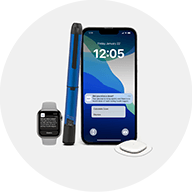
The simplist way to upload your device data to your CareLink Personal account is via the associated mobile app for your device. Follow the instructions in the app to automatically sync your data to CareLink Personal.
Keep Sync to CareLink toggled on to ensure your sensor glucose is synced throughout the day to enable any Care Partners to receive alerts.
A full upload of all device data will occur approximately every 24 hours, alternatively select Upload Now from your app settings screen to perform a full upload when needed.
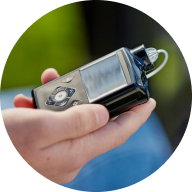
You can also perform a manual upload from a laptop / computer of compatible devices using the CareLink Uploader. See How do I install the CareLink Uploader?
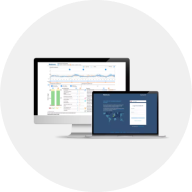
Pro Tip! You can check your device has successfully uploaded to your account by logging in to CareLink Personal and selecting the Recent Activity tab. Here you'll see information on data uploads (with date and time stamp)