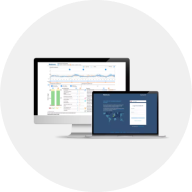
CareLink Personal
How can I generate my CareLink Personal reports?
Looking for more detail? Select the Reports tab in the left menu bar.
- Select 7, 14 or 30 days or select a custom date range. The data bars show which days have available data
- Select the checkbox for each report you wish to download. You can hover over the 'i' icon for a brief description of each report.
- The Assessment & Progress report allows you to compare to a previous period (select this from the Comparisson dropdown menu when selecting this report)
- Daily Reports allow you to select up to 14 individual days (select the days you require from the calendar dropdown menu when selecting this report)
Pro Tip! Did you know you can also generate reports from your mobile device browser? Simple go to carelink.minimed.eu from Safari (on Apple devices) or Google Chrome (Android), navigate to the Reports tab and follw the instructions above.