Software update
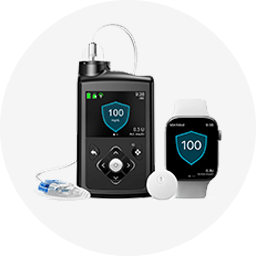
My MiniMed™ Mobile app and phone will not pair, what should I do?
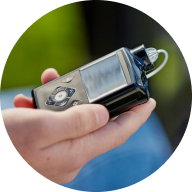
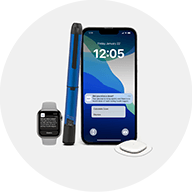
Go to your phone settings and remove your pump under Bluetooth connections. Next, go to your pump, under the Paired Devices menu and remove your phone as a paired device. After this, restart your phone and try again. If you have an Android phone, disable Cross-Device Services and try pairing your pump again. This action may help improve the connectivity with your pump. If the problem persists, call our WeCare Helpline: 01923 205167.