Software update
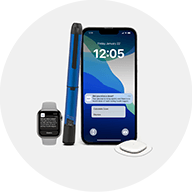
I forced closed my MiniMed™ Mobile app during the download of the new software. How do I restart the process?
If you forced closed the app while the download was occurring, you will need to restart the download process from the beginning. To do this, go to the Menu of your MiniMed™ Mobile app, in the top left of your Home screen, then tap on Update Pump to re-start the download process.