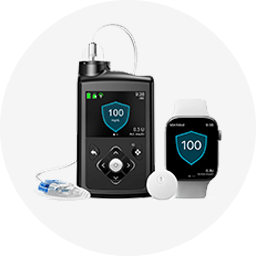
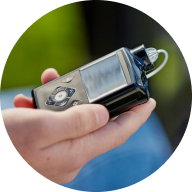
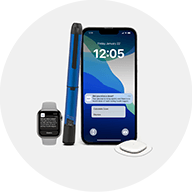
MiniMed Go™ system
I am not sure how dispense a dose with the InPen. How do it do it?
Steps to installing an insulin cartridge:
- Remove cartridge holder.
- Rewind the screw.
- Insert the insulin cartridge.
- Attach the cartridge holder.
Priming your pen before dosing:
- Attach a needle.
- Turn the dose knob to prime 2 units.
- Hold the InPen with the needle pointing up and deliver the dose in the air, you should see insulin drops.
Dispense your dose:
- Turn the black dose knob until the window shows your recommended dose. If you select a wrong dose, simply change it by turning the knob in either direction.
- Prepare your insertion area, insert the needle, press the black dose knob in until it stops and hold for at least 8 seconds before removing.
- Once dose is given, “InPen dose event recorded.” will appear on the screen of your MiniMed Go app.
Watch this video to learn more: