App Manager
App Manager
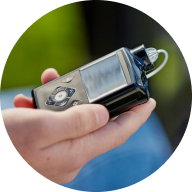
The App Manager enables the use of a MiniMed app to help manage therapy using a MiniMed device. The App Manager can only be used to access apps provided by MiniMed for diabetes management purposes.
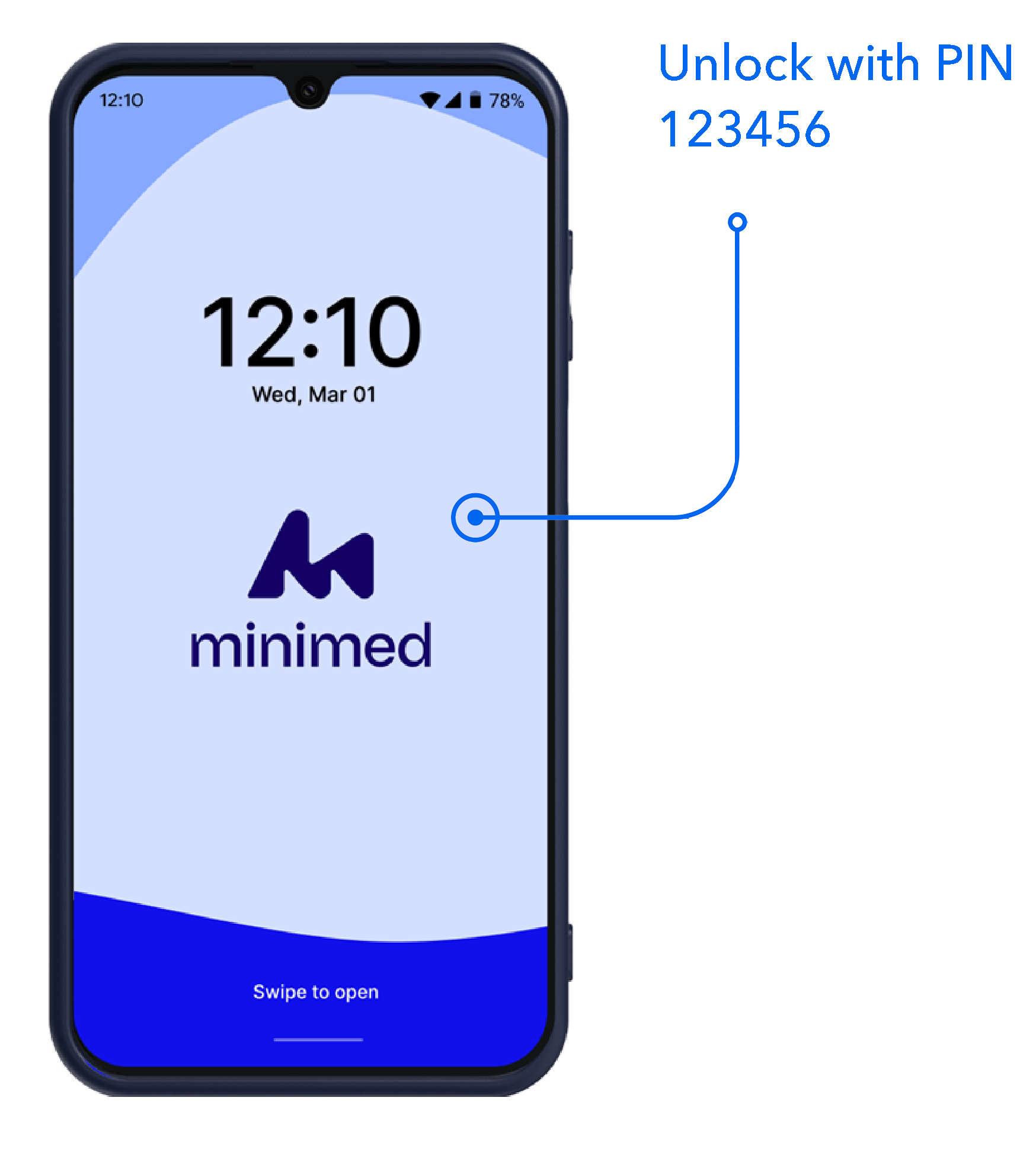
The App Manager provides access to the MiniMed™ Mobile app for the MiniMed™ 780G system, and the MiniMed Go™ app for the MiniMed Go™ Smart MDI system.
You will receive an App Manager if you don't have a smartphone that is compatible with a MiniMed app.
Key tips to know
- Charge your App Manager when you first receive it and then follow these steps for setup.
- Connect to Wi-Fi to sign in to a MiniMed app. (If you use a public Wi-Fi connection, there may be additional steps to accept terms and conditions from the service provider. This may require using someone’s Hot spot or other mechanism for internet before you can connect.)
- Stay connected to Wi-Fi in places like your home or plan to connect before you use the app. If you can’t routinely connect to Wi-Fi, you may also purchase a SIM card with data from a phone store or other retailer. Non-therapy features like texting, calls and other apps are always going to be disabled.
- You need to keep it in close proximity if you want to access therapy features. Internet will also be needed to upload CareLink data for your diabetes care team or care partners.
- A lock screen is required for security and shipped with a default PIN (123456). After set up, you can change the PIN or add additional biometric methods.
- To personalise settings for screen brightness and font, tap “Display” in the App Manager settings.